

Realistic footage,generated.
AIVS generates video from the planned shots and keeps the same characters, costumes and locations across the scene. The film below was made with it.
Watch the whole scene.
Press play for the full film with sound, or jump to any moment from the strip below.
AIVS does not start from a blank prompt. It starts from the shot plan: the lens, the angle, the move, the cast and the location are already decided in PREVIS, so every take is a directed shot.
From plan to picture.
Import the plan
Shots, lenses and camera moves come in from PREVIS.
Lock cast and look
Characters and locations are fixed from the lookbooks.
Generate takes
Each shot is generated as video, with several takes to choose from.
Review and cut
Pick takes, re-generate what needs work, and cut the scene.
The storyboard, brought to life.
Shot 2N in the previs book, and the same moment in the finished AIVS film.
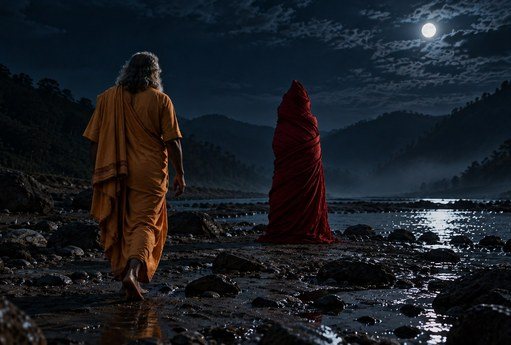 PREVIS · Storyboard 2N
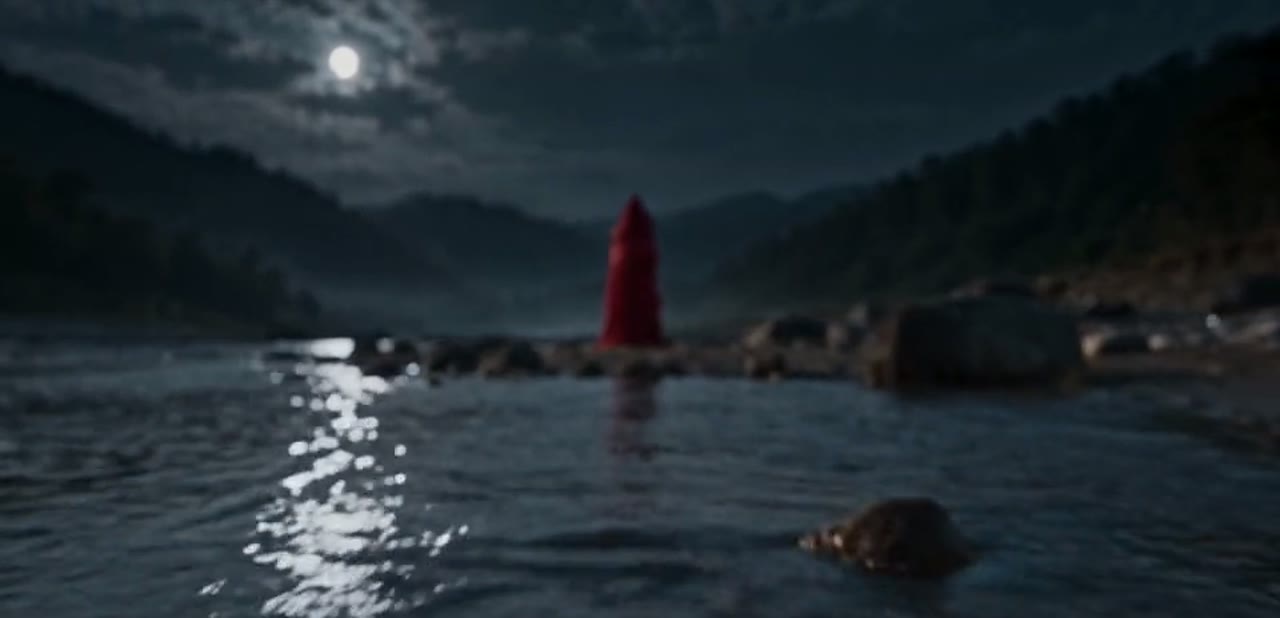 AIVS · Final film
The details that sell a scene.
- 01Characters
Faces, costume, hair and make-up from the lookbook in every shot.
- 02Camera
Lens, framing and camera move from the shot plan, not a random angle.
- 03Light
Time of day and lighting notes carried from shot to shot, from lamp-lit rooms to moonlight.
- 04Locations
Sets and set dressing that match the location lookbook and the props list.