

One operating system,page to picture.
The CC Film OS takes a screenplay and carries it through pre-production, generated footage and visual effects, in one shared project.
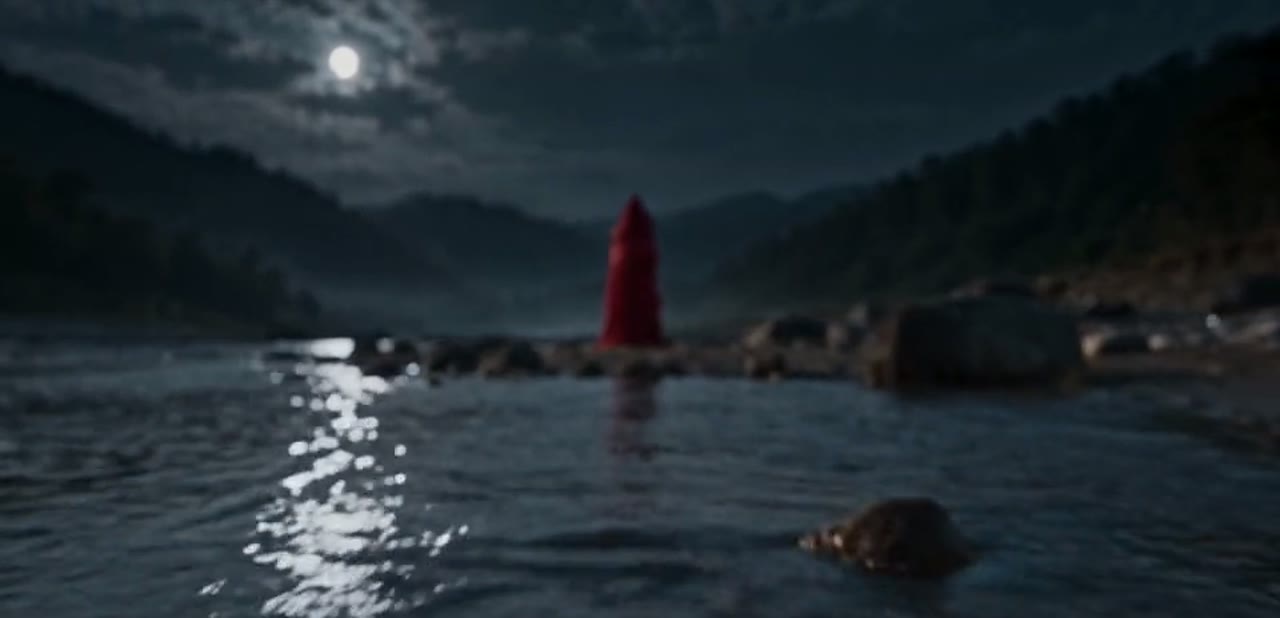 AIVS render · CCLABS001
Film teams lose weeks moving the same information between scripts, spreadsheets, storyboards and vendors. In the CC Film OS every character, location, prop and shot is entered once and used everywhere after.
The same work, without the re-typing.
Screenplay in. Production-ready out.
- 01ScreenplayUpload the script. PREVIS reads every scene, character, prop and location.
- 02Scene intelligenceA knowledge graph links who appears where and with what, for scheduling and continuity.
- 03Look developmentCharacter and location lookbooks fix costume, hair, make-up and set dressing.
- 04Storyboard and shot planEvery shot gets a frame, lens, angle, camera move and lighting note.
- 05AIVS and AFXThe planned shots become generated footage and effects in the virtual studio.
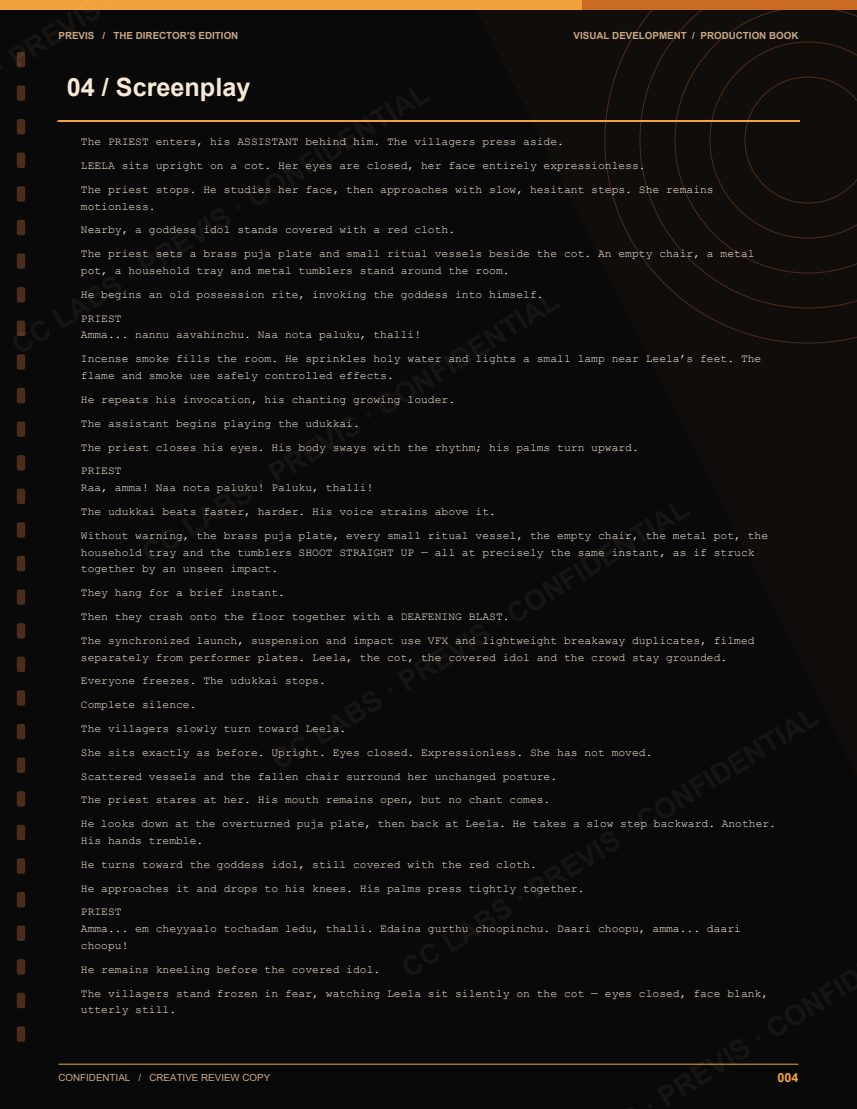
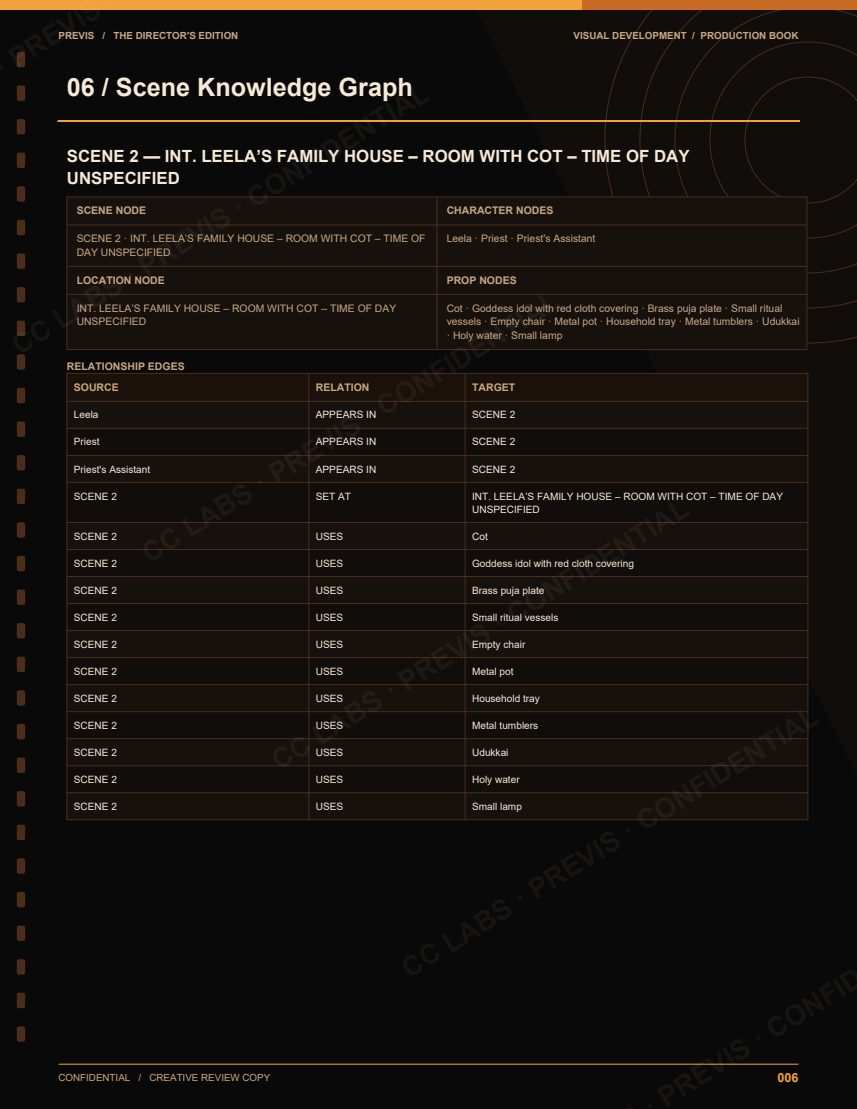


Every scene, connected.
PREVIS builds a knowledge graph for each scene. It is what lets the OS group scenes for the schedule, check continuity and fill call sheets. Hover a node to see how the sample scene connects.
Use one, or all three.
- 01PREVIS
Thirteen pre-production services: screenplay intelligence, knowledge graph, shot planning, storyboards, budgets, schedules and more.
- 02AIVS
The AI virtual studio. Realistic footage generated from the shot plan with a consistent cast.
- 03AFX
AI visual effects, planned in previs and matched to the scene around them.
Each department gets what it needs.
The film before the shoot
Storyboards for every shot and AIVS footage of key scenes, so the vision is clear to everyone on day one.
Decisions in one place
- Approve character and location looks
- Change a shot and see it re-planned
- Share a Director's Edition with the crew
Budgets from the breakdown
Budget intelligence estimates cost pressure by scene and department from the same breakdown the crew uses.
Show, don't describe
- A visual book for investors and studios
- Generated footage for key scenes
- Clear VFX scope before you commit
Scenes grouped for the shoot
Schedule intelligence builds optimized day breakdowns and risk-aware shooting schedules.
Call sheets ready to send
- Cast and crew call times
- Locations, props and costume per scene
- Continuity notes per shot
Lens, angle and move
Every shot comes with its lens, camera angle, camera move and lighting note, as in shots 2A to 2O of the sample.
Lighting references
- Location lookbooks by time of day
- Storyboard frames in the planned lens
- Generated footage to test coverage
VFX flagged in previs
Effects shots such as 2J, the critical VFX master, are marked in the shot plan with what moves and what stays grounded.
Made in AFX
- Same characters, set and light as the footage
- Versions to review in the same project
- No hand-off to a separate studio